Summary at a glance
InsideTracker publishes a window of 7 business days from blood draw to results on the platform.
Your results live on the web dashboard and in the mobile app.
InsideTracker plots each marker against a personalized optimal zone that it sets for each biomarker and each healthspan category.
Your data stays visible and downloadable after the membership lapses, though InsideTracker names no file format for that download.
The sharpest public complaints are about the app, and two App Store reviewers describe the results view going wrong after a change in the account.
This guide reports what InsideTracker publishes and what its users wrote in public. We have not used InsideTracker and have not seen an InsideTracker result first-hand. Nothing here interprets an individual biomarker, names a diagnosis or recommends treatment. Talk to your own doctor about your own results.
TL;DR: what to do first
InsideTracker emails, texts or notifies you in the app when your results post to your account. The notification tells you they are live. Open the web dashboard first, because some functions work only there. Read the numbers, then build your Action Plan from them.
The Action Plan grows out of those markers.
You can start it the day the results land.
Once you have bought the Ultimate plan, you can upload existing bloodwork to the platform any time during the year at no extra cost.
People who have tested with InsideTracker and want to know where the numbers live, how to get them out and who to show them to.
Read your results on the web dashboard, then build the Action PlanYour results post to your InsideTracker account and the platform notifies you. Build your Action Plan from the markers it shows, and revisit the plan when you retest. The web dashboard carries every function, so start there before you open the app.
How InsideTracker delivers results
InsideTracker handles the lab logistics once your blood is drawn.
When your results are ready on the platform, you get an email, a text message or an app notification. You can read them on the web dashboard or in the iOS and Android app. A doctor at InsideTracker reviews the lab values before they are submitted to your profile support.insidetracker.com. The company publishes a window of 7 business days for that whole step store.insidetracker.com.
Quest sends your raw values to your own Quest account at the same time it sends them to InsideTracker, so the numbers can appear there first. InsideTracker says nothing is needed on your part when that happens.
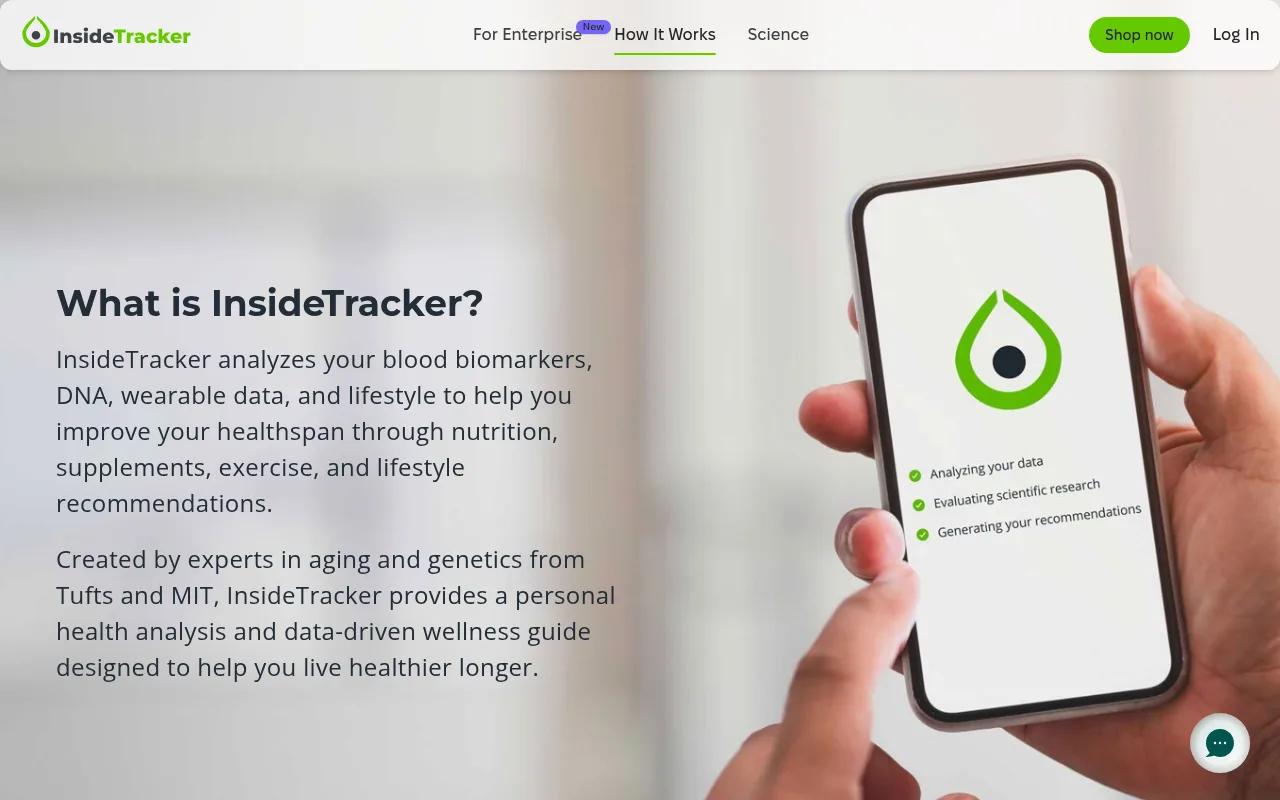 Hand holding a phone running the InsideTracker analysis screen
How to read your InsideTracker results
Two things frame every number InsideTracker shows you. The first is the zone it sets for that marker. The second is where that marker has moved since your last test.
An optimal zone is InsideTracker's own target band for a marker, set for each biomarker and each healthspan category store.insidetracker.com.
InsideTracker says a healthcare provider labels bloodwork normal or clinically abnormal, while its own zones show where it wants each of your markers to land. The Ultimate test covers up to 54 biomarkers across 10 healthspan pillars. That gives you a score by area alongside a value for each marker. A single draw is one snapshot, so the second test is where the trend starts.
InsideTracker states that its platform is not a substitute for advice and analysis by a licensed medical professional support.insidetracker.com. Ask your own doctor what any single number means for you.
 InsideTracker homepage listing fitness, nutrition, DNA and blood
How to export or download your results
InsideTracker says your data stays yours. Its support centre answers the question directly: “Even if your membership is not active, your data will remain there for you to see and download.” support.insidetracker.com
InsideTracker names no file format for that download. It does document formats for the other direction. Past lab results go in as PDF, PNG or JPEG files, uploaded from your computer under Add test results support.insidetracker.com. Uploaded panels come back analysed in 3 to 5 business days store.insidetracker.com. Manual entry gets you an instant analysis.
Check what the download gives you while your membership is still live.
InsideTracker publishes support@insidetracker.com. Ask there if you need your results in a particular file format.
How to share results with your doctor
InsideTracker encourages you to hand your results to your own clinician.
Its membership FAQ says the company makes that easy from the app or your web browser blog.insidetracker.com. The Ultimate product page repeats the point and calls it easy to do on the platform. Neither page names the button, the file or the format. Ask support what the sharing step produces before your appointment.
Plan for the appointment itself. Write down the markers you want to ask about before you go in. Your clinician has limited time, and a short list uses it well.
Bring the date of your blood draw along with the values. Your clinician will ask for it.
What to do next: turning results into a plan
Your first panel is a baseline. Everything after it is a comparison. InsideTracker builds an Action Plan from your results, and you swap recommendations in and out yourself. The platform orders them by an impact score.
Pick two or three markers to follow. Write each value down with the date of the draw. Put the retest date in your calendar the same week.
InsideTracker recommends retesting every three months to measure progress against your baseline.
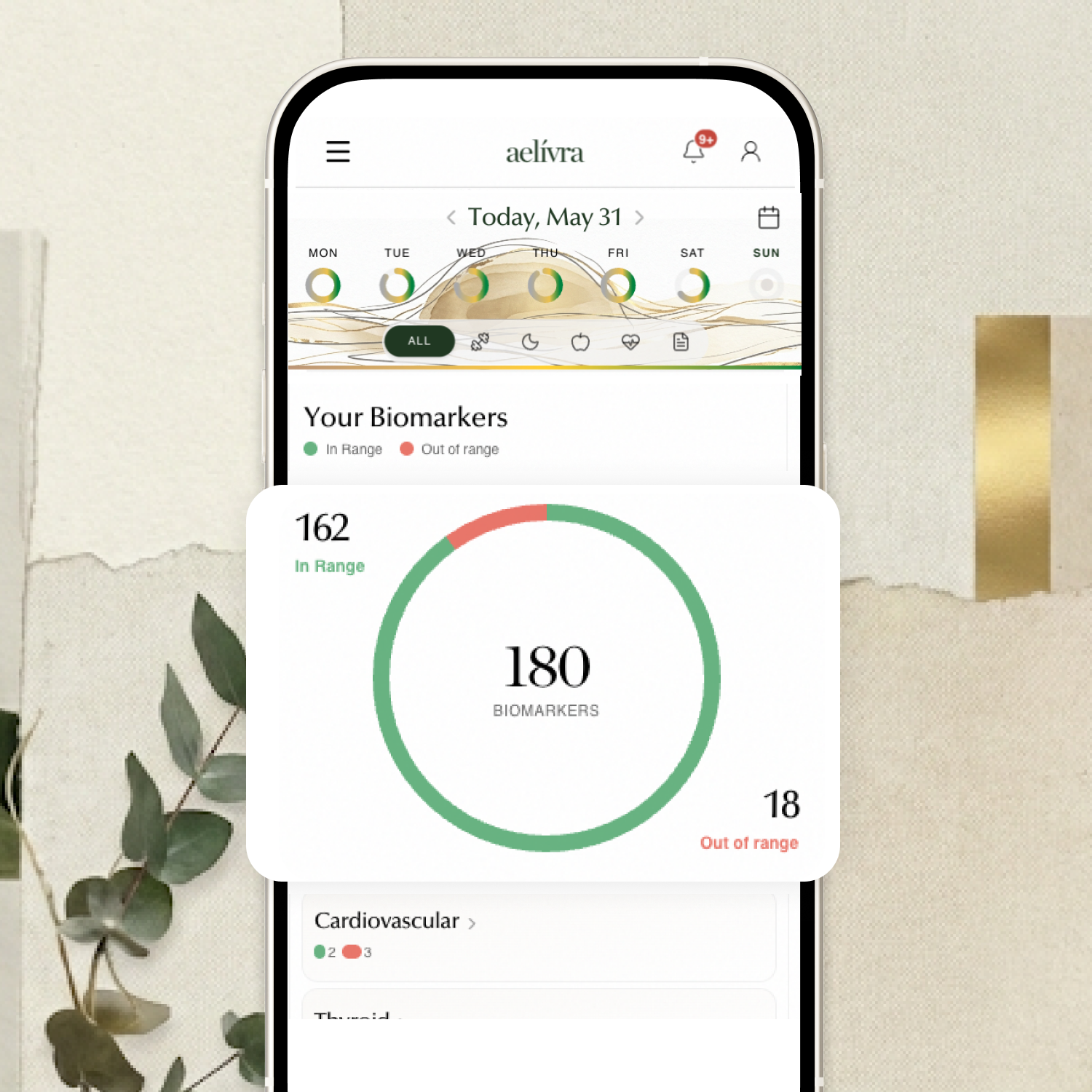
Blood work, scans, test results, medical reports — finally in one place and connected to how you actually feel. aelívra tracks biomarkers and health records over time, so you can see what's trending in the right direction and walk into your next appointment knowing exactly what to discuss.
What users struggle with after results
Public reviews of InsideTracker argue about the app, and the analysis itself comes off well. The App Store listing holds 3.4 out of 5 from 341 ratings, and we read the 10 full-text reviews on it.
Two of those reviews describe the results view going wrong after a change in the account. One reviewer regenerated a plan and wrote: “But then when I went back to look at my report, it was gone.” apps.apple.com Another entered a biomarker by hand on the web and found the dashboard still showing the old value. The App Store prints no dates on these reviews, and we read them on 14 September 2026.
One Google Play reviewer raises uploading results from a phone.
One reviewer there added a note dated 22 September 2025 and wrote: “still cannot upload data and the app is not an app” play.google.com. That listing carries 4.4 stars from 251 reviews, and three full-text reviews were visible when we read it. The other two Google Play reviews raise the DNA analysis, the Garmin data and syncing with the website. Neither one touches results delivery. Thirteen full-text reviews across two stores is a thin base, so treat each of these as an individual account.
 InsideTracker droplet logo beside the brand wordmark
How we researched this guide
We have not used InsideTracker, and no one here has seen an InsideTracker result first-hand. This guide reports what InsideTracker publishes and what its users wrote in public. It quotes reviewers word for word.
InsideTracker's support centre articles on finding, sharing and uploading results were read on 14 September 2026. The Ultimate and Foundation product pages gave the delivery window and the optimal zone wording, read the same day. The membership FAQ and the membership store page gave the sharing and upload wording. We read 10 full-text App Store reviews and 3 on Google Play. The Better Business Bureau profile listed zero complaints and one review, dated 13 December 2025, about a prescription order bbb.org.
Our source set holds no Reddit material on InsideTracker, so no forum account is quoted here.
Three published reviews of InsideTracker also sit in the set, the oldest from August 2016. We treat that one as background only, because the product has changed since.
Frequently asked questions
Where do I find my InsideTracker results?
Log into your account, open the Bloodwork drop-down and select Analysis and Recommendations support.insidetracker.com.
What else does InsideTracker give me alongside the results?
Membership adds daily ProTips, a weekly Healthspan Habit Report and Terra, an AI guide that can read your recent blood report. Those sit on top of the analysis and the Action Plan. All of them draw on the same numbers.
Can I download my InsideTracker results?
Your account keeps them. The export section above covers the download route and who to ask about file formats.
What does a repeat InsideTracker test cost?
Repeat Ultimate tests cost $340 for members, because the membership price is separate from the test price. Buying two at once brings it to $578.
Sources

Cameron founded aelívra after years of living an unknown no one could answer — navigating chronic health complexity through a medical system that wasn't built for it. That experience became a conviction: everyone deserves to feel truly alive, and no one should have to accept not knowing as a way of life. His work sits at the intersection of data science and functional health and wellbeing, turning the latest trusted medical research across news, health, wearables, biomarkers, and more into advice everyday people can use on their journeys toward feeling better. Every article is grounded in peer-reviewed evidence and linked to its primary source. This content is for informational purposes only and does not replace medical advice.