Summary at a glance
Levels exports CSV files by data type: glucose and CGM data, activity logs, Zones with Zone Scores, and nutrition logs.
Sharing with a doctor runs on an email invitation that grants ongoing access, so they can open your data whenever they need it.
Levels is the software layer over a Dexcom Stelo sensor, so glucose passes through the Stelo app before it reaches Levels.
In 10 App Store reviews read in July 2026, one reviewer reported having to close and reopen the Levels app to pull in the newest glucose data.
You can upload outside records such as a DEXA scan, MRI, ECG or lab results into the same Levels account under Account, then Documents.
This guide explains what Levels' own app and support pages say about glucose and lab results, and it reports what other users say. We have not used Levels first-hand and we hold no access to anyone's results. Nothing here interprets an individual glucose reading or lab marker, diagnoses a condition, or recommends a treatment. Glucose and metabolic markers need a qualified clinician to read them in the context of your health, so take your results to your doctor before changing anything about your diet, medication or care.
TL;DR: what to do first
Your Levels results arrive as a live glucose stream you read in the app. Open the app to read today's readings and meal scores. When you want the raw numbers, export them as CSV from the member portal on the web. To bring a doctor in, grant access by email.
Two results types sit in the same account, and they arrive on different schedules.
The glucose stream runs continuously while the lab panels run on a slower clock. Core includes 2 Essential Lab Panels w/ 28+ Markers, and Complete includes 2 Comprehensive Labs w/ 100+ Markers. Both packages carry clinician review of health data 2x annually. levels.com
Anyone who wants their Levels glucose and lab data in a file, or in front of a clinician.
Read results in the app, export and share from the web portalGlucose reaches the Levels app continuously, so the day-to-day reading happens on your phone. The CSV export and the doctor invitation both live in the member portal.
How Levels delivers results
Levels reads glucose from a Dexcom Stelo biosensor, so the numbers reach you continuously. Levels documents no results wait.
The sensor does the measuring and Levels does the interpreting. Data moves through the Stelo app before it shows up in Levels. An independent tester who paid for the subscription and the sensors described that handoff in a March 2026 video: "The Stell[o] app collects data from the sensor and exports it to Levels. It's clunky, but it works." youtube.com Levels then turns the raw stream into meal scores and stability scores. The glucose side runs on its own clock, ahead of any lab work.
Lab results follow a different path. Core and Complete members complete a lab panel, and a licensed, Levels-verified clinician reviews it twice a year.
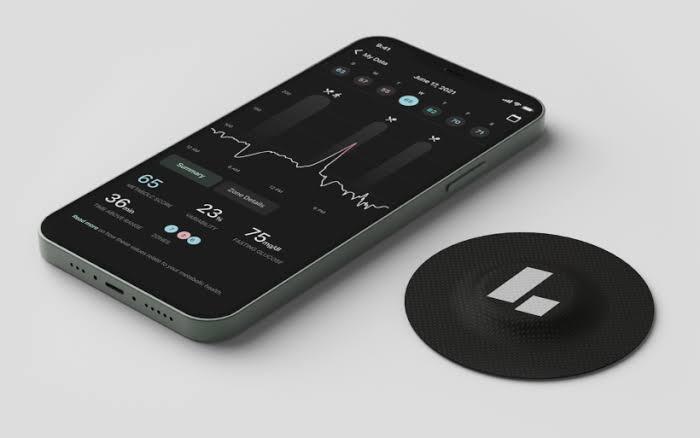 Levels app showing a real-time glucose graph
How to read your Levels results
The home screen leads with glucose, stability scores and spike duration.
Levels measures four things in real time: Basal Glucose, Glucose Variability, Insulin Sensitivity and Post-Meal Glucose Dynamics. levels.com Each one describes the shape of the stream across a whole day.
Meal scores are the part people watch most. Log a meal and the app scores the following two hours from 1 to 10. The same tester explained the payoff: "And then you can search your history and compare the same meal on different days." youtube.com
Comparing one meal against itself tells you more than any single score does. The app sets three daily goals alongside those scores: 12 hours of stable glucose, one stable meal and one healthy habit. Those goals cover the whole day while the meal scores judge one plate at a time. Take questions about a specific reading or lab marker to a clinician.
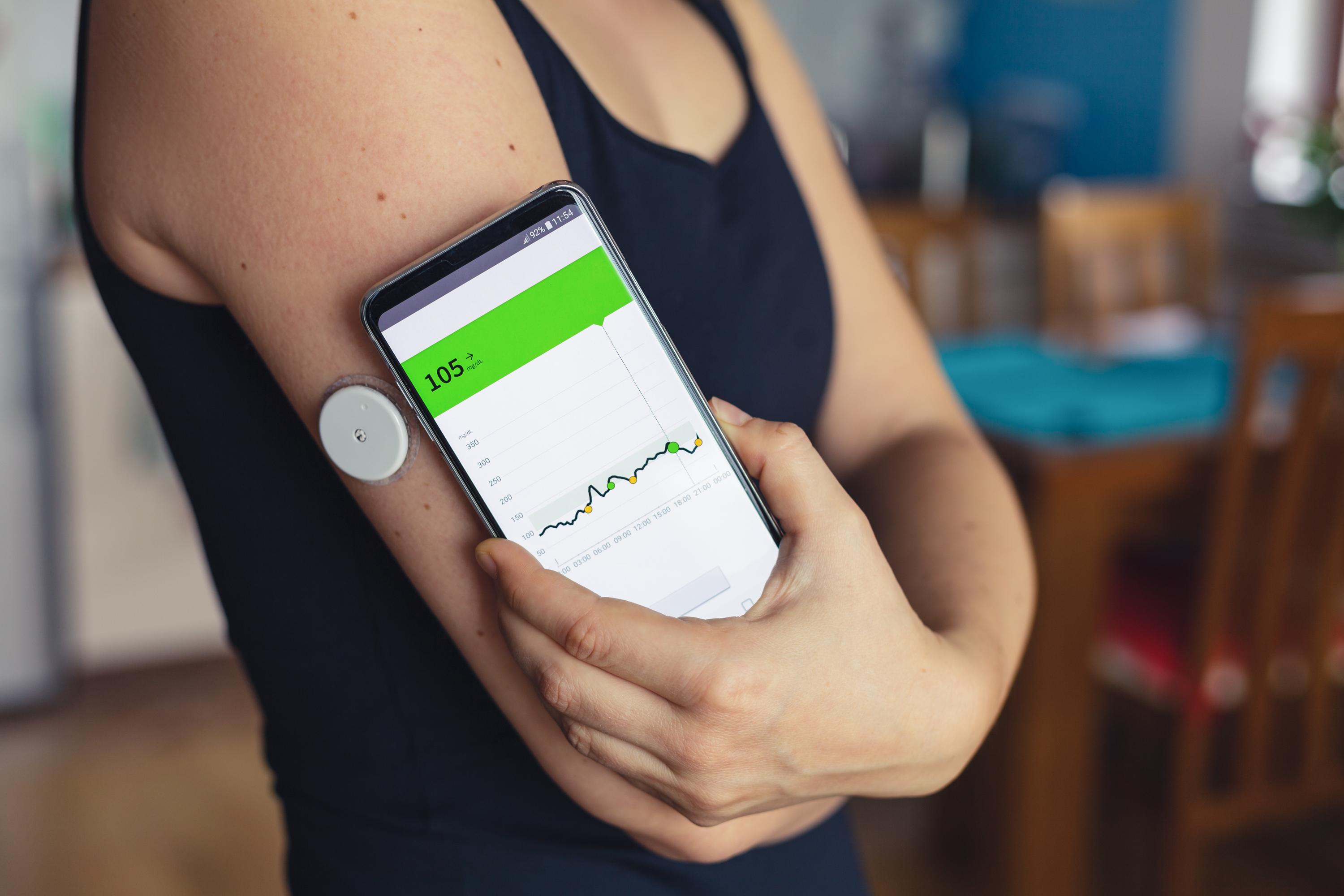 Continuous glucose monitor worn on the upper arm in daily life
How to export or download your results
Levels exports your results as CSV files. The export page sits in the web portal. You choose which data goes into the file, and the page offers four types. support.levels.com That choice decides what a doctor sees when you hand the file over.
Log into the member portal. Open Health Data and then Glucose Dashboard. Select Export Data at the top of the page.
The four types are:
Levels last updated those instructions on 11 June 2026.
The four data types come out separately, so you can hand someone your glucose readings without sending your food logs along with them.
How to share results with your doctor
You share Levels data by sending an email invitation from the member portal. The person you invite reads your data from the Levels dashboard, whether that is your doctor or your wider care team. That grant stays live, so your doctor can open the data whenever they need it. Levels last updated the sharing article on 17 February 2026.
The invitation takes six steps in the portal.
Log into the member portal and open Data, then Glucose. Select Share Your Data in the upper-right corner. Scroll to Share Your Health Data. Enter the email address of the person you want to share with, then select Grant Access. support.levels.com
Levels also takes records from outside the app. Under Account, select Documents to upload a DEXA scan, MRI, ECG or lab results.
What to do next: turning results into a plan
Treat the first week as your baseline. Export a CSV once a couple of weeks have built up, so you are reading two weeks of patterns. Bring that file or the shared access to your next appointment and let a clinician read the numbers with you. Retest on a sensible cadence, which on Core and Complete means the clinician review that runs twice a year. levels.com
Track the same meals across different days, because your own repeat readings say more than one reading ever will.
Glucose is one signal among many. Sleep, movement and stress all show up in the same numbers, so read them together.
Levels shows patterns in your own data. It diagnoses nothing, so take any question about a specific reading or marker to your doctor.
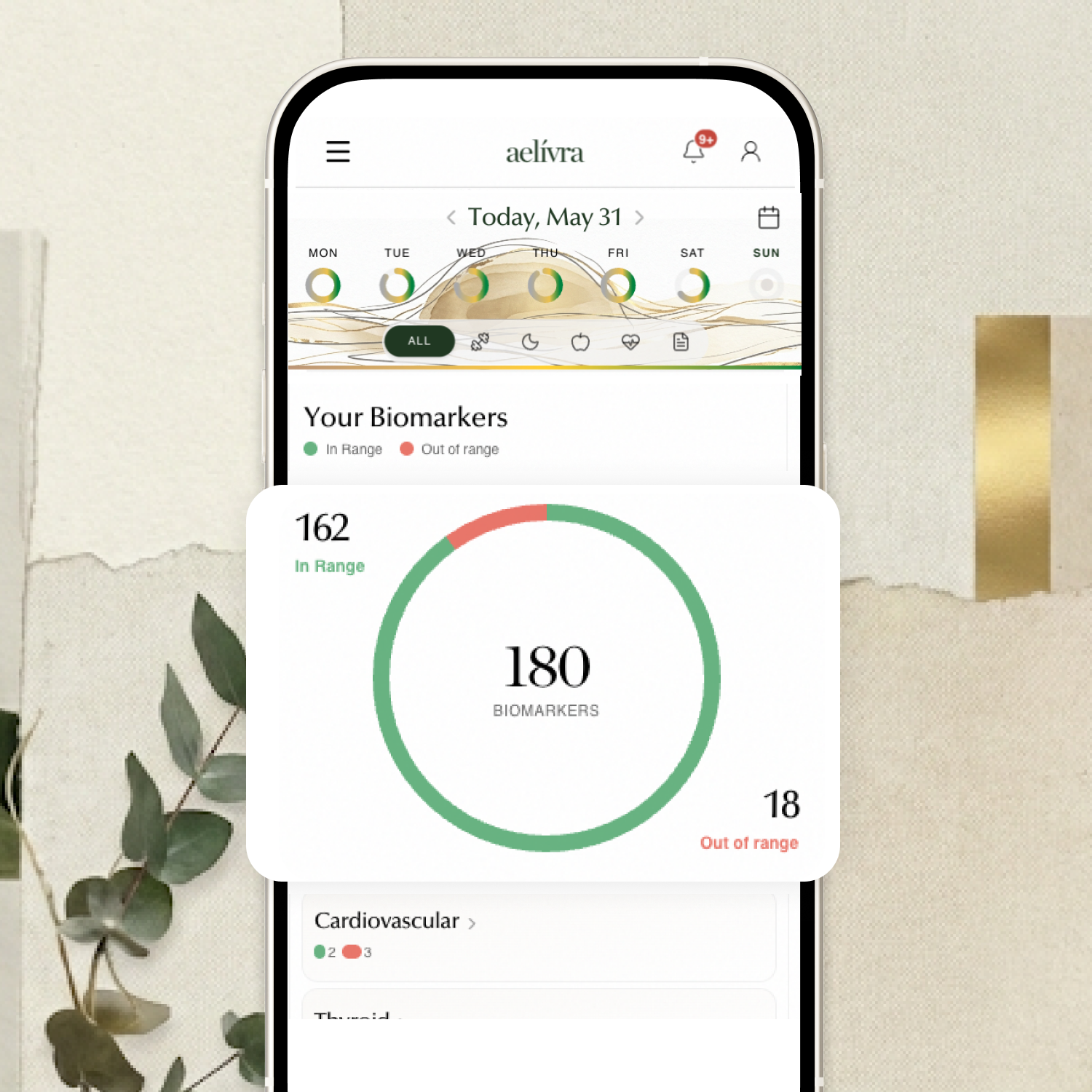
Blood work, scans, test results, medical reports — finally in one place and connected to how you actually feel. aelívra tracks biomarkers and health records over time, so you can see what's trending in the right direction and walk into your next appointment knowing exactly what to discuss.
What users struggle with after results
Two post-results complaints show up in the App Store reviews we read.
App Store reviews carry no dates on the page, and these were read in July 2026. One reviewer wrote: "75% of the time I have to close the app and reopen it to get it to sync and add the newest glucose data. This is the app's primary function and it fails." apps.apple.com The same reviewer had to open settings to find the sync button. Another wanted trends over time: "The data is always current so the benefit of trends and instight over time is lost to the person who could use it." apps.apple.com
Two apps sit between the sensor and your screen, which gives the sync one more place to break. Running the Stelo app alongside Levels is the friction the March 2026 tester called clunky.
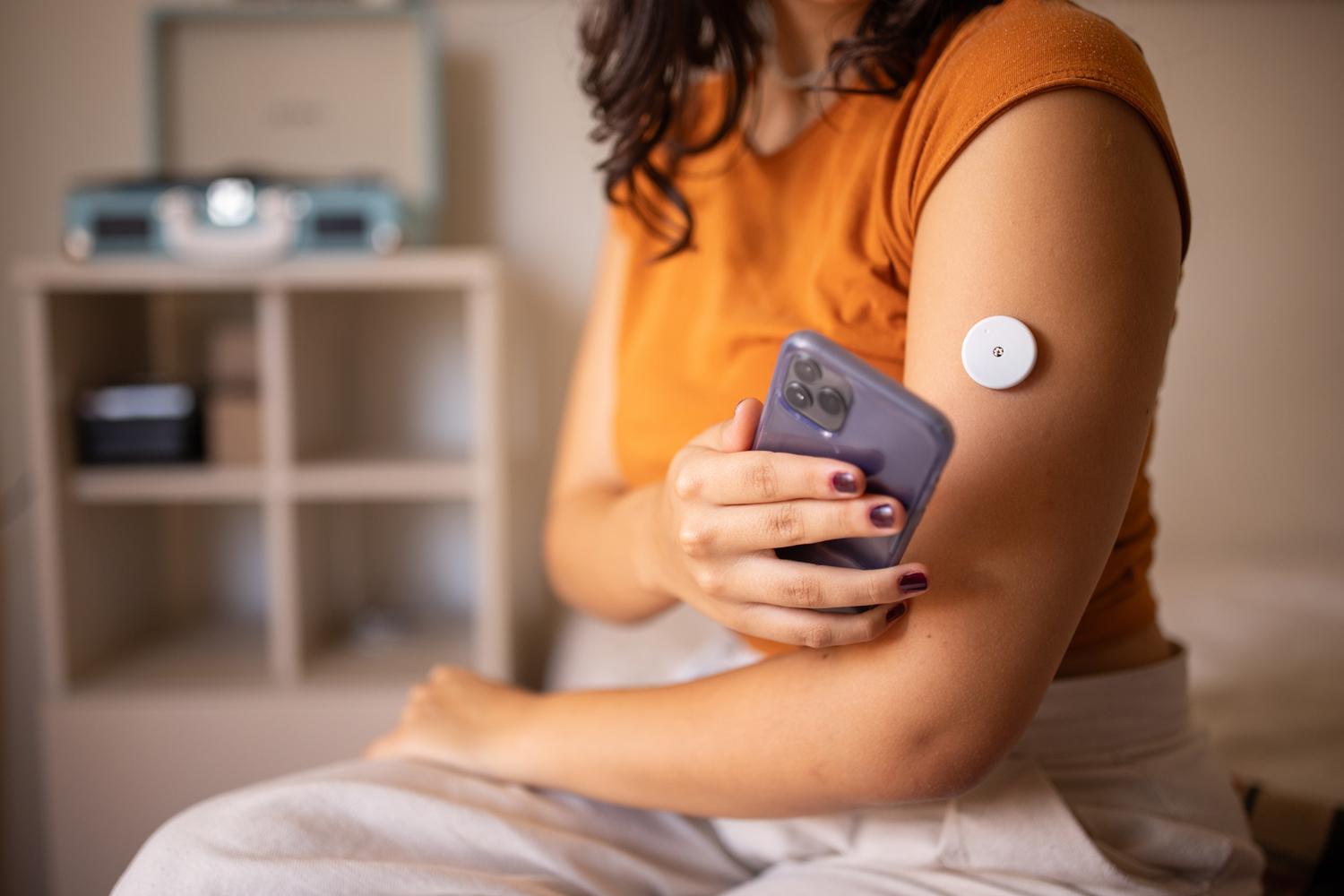 Person wearing a continuous glucose monitor sensor
How we researched this guide
We have not used Levels first-hand.
The delivery, export and sharing steps come from Levels' own support articles, read in full on 14 September 2026. support.levels.com Each article's own last-updated date appears above. Sentiment comes from two places. One is an independent video tester who paid for the subscription and the sensors, published in March 2026, who also runs an affiliate link. The other is 10 full-text App Store reviews read in July 2026, from a listing rated 4.7 out of 5 across about 6,600 ratings. apps.apple.com
The Reddit threads we hold for Levels run from 2022 to early 2025, so they are too old to describe the current app, and we left them out. We also checked Trustpilot and found no reviews for Levels.
Panel names and marker counts come from Levels' own pages. The App Store capture carries no per-review dates, so those quotes are framed by the month we read them.
Frequently asked questions
How long do Levels results take?
Glucose readings stream from the sensor continuously, and Levels documents no results wait. Lab panels on Core and Complete run on the clinician review that happens twice a year.
Can I export my Levels data?
Yes. The member portal exports CSV files, and you pick the data type: glucose, activity logs, Zones or nutrition logs.
Can my doctor see my Levels results?
Yes. Enter their email address under Share Your Data in the portal, then select Grant Access.
Can I add lab results from somewhere else?
Yes. In the left-hand panel, under Account, select Documents. Upload the file, such as a DEXA scan, MRI, ECG or lab results. support.levels.com Those records sit in the same Levels account as your glucose data.
Sources

Cameron founded aelívra after years of living an unknown no one could answer — navigating chronic health complexity through a medical system that wasn't built for it. That experience became a conviction: everyone deserves to feel truly alive, and no one should have to accept not knowing as a way of life. His work sits at the intersection of data science and functional health and wellbeing, turning the latest trusted medical research across news, health, wearables, biomarkers, and more into advice everyday people can use on their journeys toward feeling better. Every article is grounded in peer-reviewed evidence and linked to its primary source. This content is for informational purposes only and does not replace medical advice.