Summary at a glance
The Stelo app holds up to 180 days of glucose history, and Dexcom Clarity holds up to 90 days.
Stelo documents no file export from its app, and app-store reviewers name that as their main complaint about results.
Sharing with a clinic runs on a Clarity Clinic Share Code that the clinic gives you, and you can stop the share at any time.
The in-app trend graph is drawn between 70 and 250 mg/dL, so readings outside that band are visible in Dexcom Clarity.
No clinician review comes with Stelo, and Nutrisense nutrition coaching is sold as a separate add-on.
This guide is general information about how Stelo by Dexcom delivers, stores and shares glucose data. It restates what Stelo's own app and FAQ pages explain and reports what users say in public reviews. We have not used the product ourselves. Nothing here interprets an individual glucose reading, diagnoses any condition, or recommends a treatment or a medication change. Stelo is an over-the-counter sensor for adults 18 and over who are not on insulin. Talk to a qualified healthcare professional about what your own glucose data means and before changing anything about your care.
TL;DR: what to do first
Open the Stelo app and read your glucose there, because that is where every reading lands stelo.com. That live stream is your main view. Then connect Dexcom Clarity, the companion site Stelo names for trends, longer history and provider sharing stelo.com.
Set Clarity up on day one.
The order matters more than it sounds. Your readings stream into the app while the sensor runs. Clarity is the separate place where the wider graph and the longer trend view sit, and it is what a clinic connects to. Getting that connection live early means you are not scrambling once a session ends.
Anyone wearing Stelo who wants their glucose data to survive past the end of a sensor session.
Read your glucose in the Stelo app, keep the long view in Dexcom ClarityStelo documents no file export from its app, so Clarity is the route it gives you for trends, a wider graph and sharing with a clinic.
How Stelo delivers results
Stelo delivers results continuously, reading by reading, as the biosensor takes them.
The biosensor measures glucose around the clock and the app draws each reading as it comes in. Nothing goes to a lab and nothing waits on an appointment. The app keeps up to 180 days of your glucose history, so a week from three months ago is still there to look at stelo.com. That history is the part most people underestimate on day one.
Your glucose also travels to Apple Health and Google Health Connect if you turn the connection on, and Stelo sends it with a three-hour delay stelo.com. Sleep and activity travel the other way, into the Stelo app, so meals and movement sit beside the glucose line.
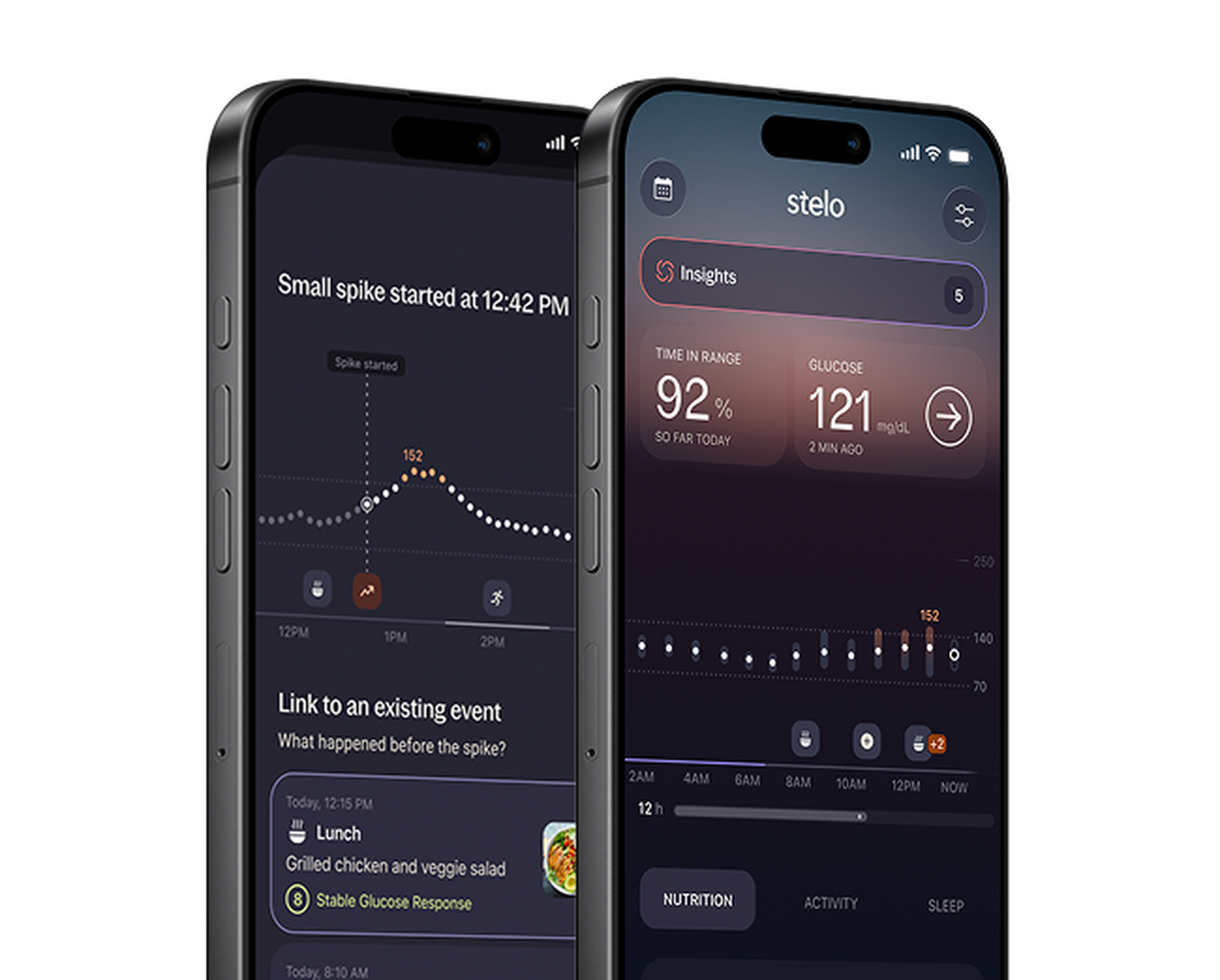 Stelo app showing time in range and a glucose spike
How to read your Stelo results
Start with the trend graph, which is the app's main view of your day. Stelo draws that graph between 70 and 250 mg/dL, and the brand says the band keeps your attention on the recommended target ranges to stay within stelo.com. Readings outside the band still exist in your data. Stelo points you to Dexcom Clarity to see them.
The app also sets a custom target range from the health status you pick when you set it up, and you can change that later in settings.
Coach is the part that talks back. You can ask it which meals spiked your glucose this week, or how walking after dinner changed the hours that followed. What the answers mean for your health is a question for a clinician.
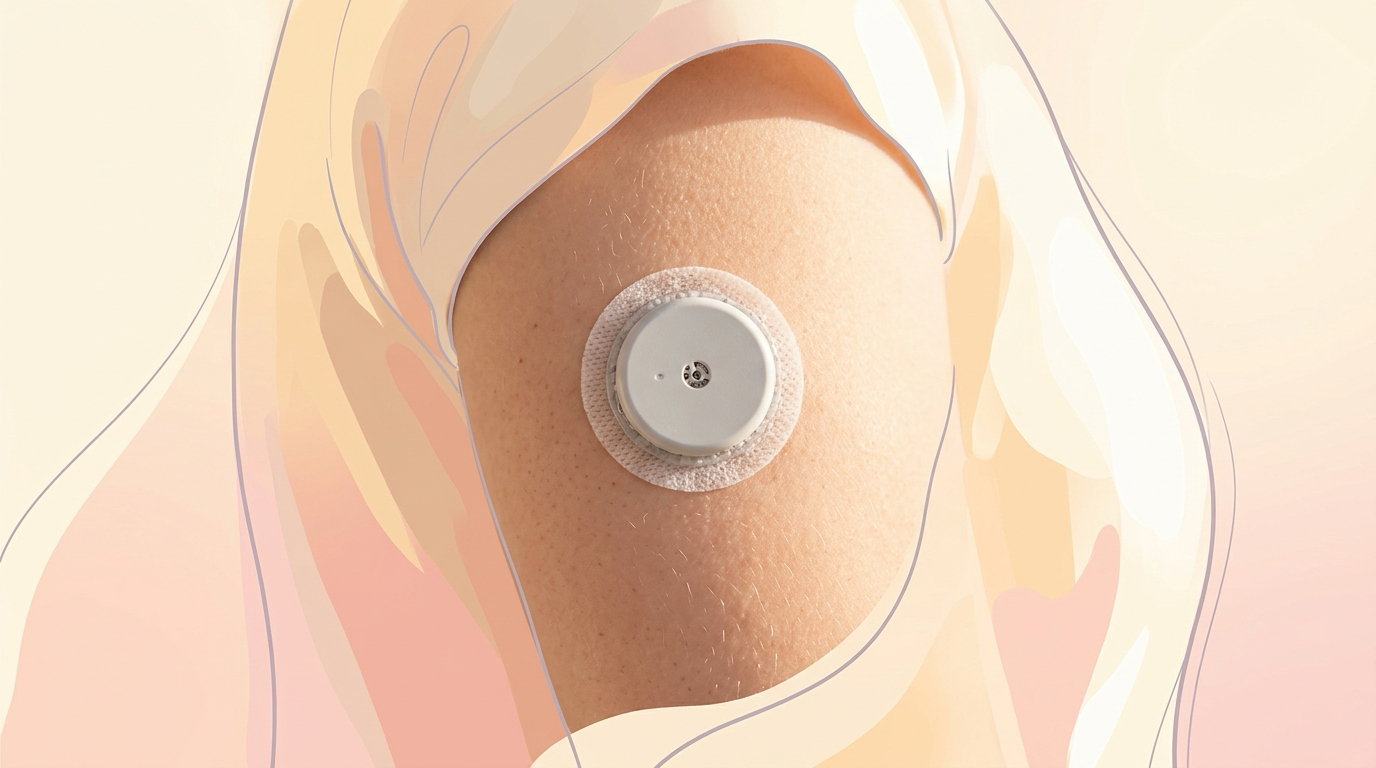
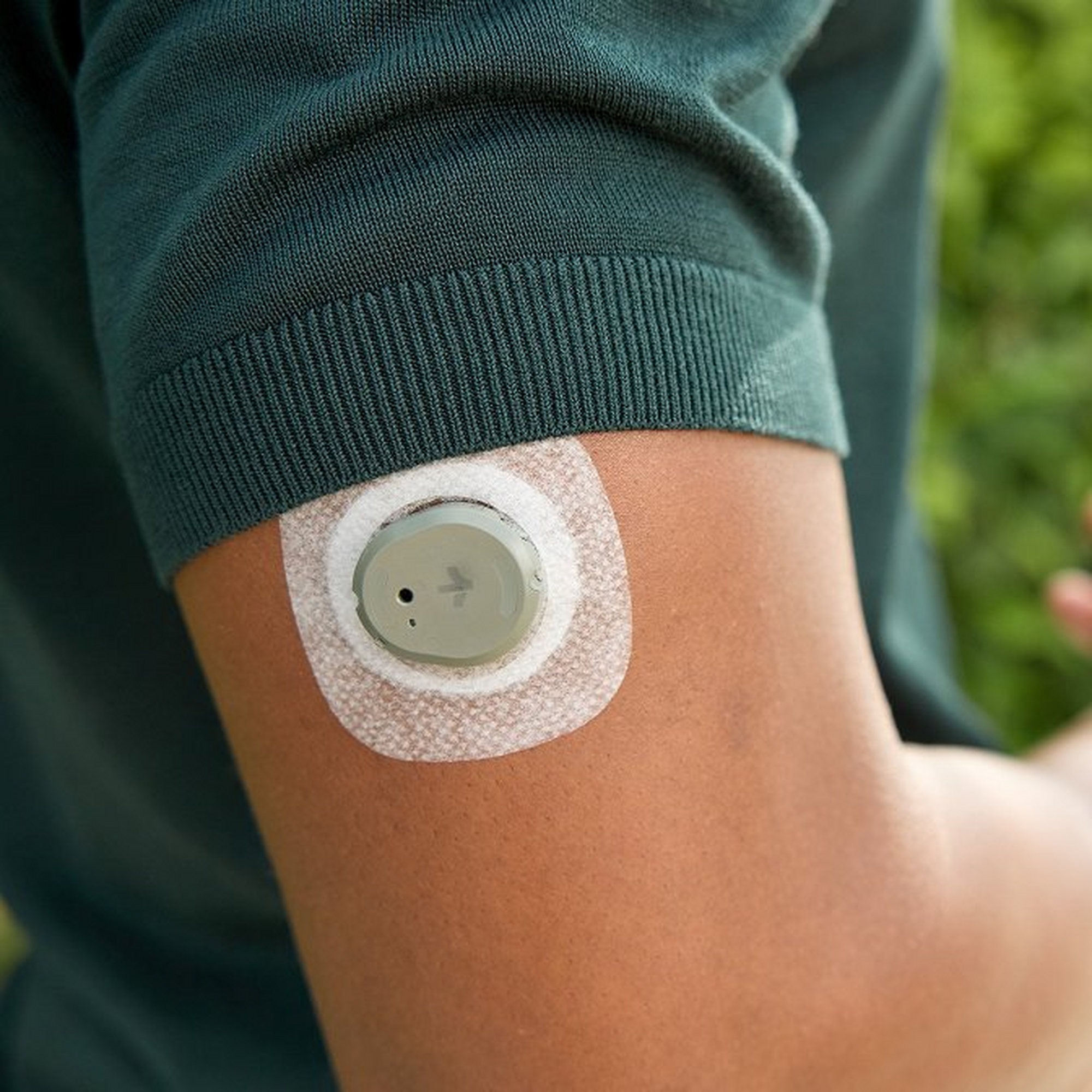 Stelo sensor and overpatch worn on the upper arm
How to export or download your results
Stelo documents no file export from its app.
The route the brand documents is Dexcom Clarity. Clarity gives you access to your Stelo glucose data for up to 90 days, along with glucose trends and sharing with your healthcare provider stelo.com. You reach it at clarity.dexcom.com and log in with your Stelo app credentials. Reports live there rather than in the app on your phone.
Reviewers feel the difference. One App Store review, written in June 2026, says: "The app is pretty weak. No exporting of data. No report ability. Not at all up to the standards of the day." apps.apple.com
Log in to clarity.dexcom.com with your Stelo app credentials before your first sensor session ends, so the longer view is already waiting for you.
How to share results with your doctor
Ask your clinic for its Clarity Clinic Share Code first, because everything runs on it.
The same code works in a browser at connect.dexcom.com if you log in with your Stelo app credentials.
Two things have to line up before the code will connect. Your clinic has to use Dexcom Clarity already, and your Stelo data has to be synced to Clarity with your consent. Miss either one and the connection will not go through. The clinic then stays listed under Connections, so you can see who has access.
You can stop sharing at any time: select the clinic under Connected Clinics and tap Stop Sharing.
Ask for the Clarity Clinic Share Code when you book the appointment, so the connection is live before you sit down.
What to do next: turning results into a plan
Stelo hands you the numbers, and what they mean for your health is a conversation to have with a clinician.
Look for what repeats rather than what spikes once. A single high reading after a big meal says less than the same shape appearing every Thursday. Write your questions down before the appointment while the pattern is fresh. Stelo's own indications say the device output is not there for you to act on medically without talking to a qualified healthcare professional stelo.com.
No clinician review comes with the sensor. Nutrisense nutrition coaching is a separate one-to-one service with a registered dietitian, and the dietitian works from your Stelo biosensor data stelo.com.
Make the most of your wearables. HRV, resting heart rate, and sleep stages can finally mean something. aelívra connects 500+ wearables and apps (Oura, Apple Health, Garmin, Fitbit, Whoop) and maps that data directly against how you actually feel — your syptoms and your wellbeing first, always.
What users struggle with after results
The struggle people name most often is holding on to the data once a sensor session ends.
An Amazon reviewer wrote in July 2026 about the summary screen people most want to keep. "After wearing the sensor, when the period ends, you need to quickly read the summary and download it if you can because all the data disappears after a few days. No apparent way to get it back." The same review closes with "I felt cheated out of my data" amazon.com.
Not everyone wants the app doing the reading for them either. A Trustpilot reviewer, writing in July 2026 about app version 3.2.0, said: "I especially hate the AI trying to give me tips and insights. I don't need a virtual nanny getting all up in my business." trustpilot.com
 Stelo wordmark on a cream background
How we researched this guide
We have not worn a Stelo biosensor, so nothing above is a first-hand account.
The delivery, export and sharing steps come from Stelo's own FAQ pages, captured in July and September 2026. The reader experience comes from 280 user reviews read in full across three places: 100 written reviews from the Apple App Store listing captured in July 2026, 120 reviews from the Amazon listing for the two-biosensor pack, and 60 Trustpilot reviews. Every quote above appears word for word in one of those captures.
Frequently asked questions
Can you export your Stelo data as a file?
Stelo documents no file export from its app. Dexcom Clarity at clarity.dexcom.com is the route the brand documents for viewing and sharing your glucose data.
How long does Stelo keep your glucose data?
The Stelo app holds up to 180 days of glucose history. Dexcom Clarity holds up to 90 days.
Why does the Stelo trend graph stop at 70 and 250 mg/dL?
Stelo draws the in-app graph inside that band to keep the focus on recommended target ranges. Readings above or below it show up in Dexcom Clarity.
Sources

Cameron founded aelívra after years of living an unknown no one could answer — navigating chronic health complexity through a medical system that wasn't built for it. That experience became a conviction: everyone deserves to feel truly alive, and no one should have to accept not knowing as a way of life. His work sits at the intersection of data science and functional health and wellbeing, turning the latest trusted medical research across news, health, wearables, biomarkers, and more into advice everyday people can use on their journeys toward feeling better. Every article is grounded in peer-reviewed evidence and linked to its primary source. This content is for informational purposes only and does not replace medical advice.