Summary at a glance
The app's own guide rails are an average glucose typically below 105 and a glucose variability usually below 14.
Nutrisense documents one export route, a PDF report you download through Nora AI.
Sharing with a doctor means handing over that PDF, so run the export before the appointment.
App Store reviewers say support runs through an online form, which is the slow part when a coach stops replying.
Plans carry 1:1 dietitian coaching, and self-pay sessions are listed at $50 per video session.
This guide reports what Nutrisense's own help centre documents and what people write in public reviews. We have not used Nutrisense first-hand. Nothing here interprets an individual glucose reading, names a diagnosis, or recommends a treatment. Talk to your doctor or dietitian about what your own results mean.
TL;DR: what to do first with your Nutrisense results
Open the Trends tab first. Nutrisense shows your glucose data there as it is collected, and the help centre documents no waiting step between reading and display support.nutrisense.io. Pick the date range you want. Read three numbers on that screen: average glucose, glucose variability and time within range. Then book the dietitian session your plan includes.
The app does the arithmetic for you. Your job is to spot which meals and which days move those three numbers.
Reading happens in the app, and deciding usually happens on a call.
Pick the same date range every time you check. Comparing like with like is what makes a change visible.
Anyone wearing a Nutrisense biosensor who wants to turn a week of glucose data into one change.
Open the Trends tab, then take that screen into your dietitian sessionNutrisense glucose data is continuous, so the work is reading the pattern. Nutrisense documents no report to wait for.
How Nutrisense delivers results
Results arrive continuously. The sensor feeds glucose readings into the app through the day, and the Trends tab gathers the statistics and charts in one place. You can look at a single day from the calendar. You can also widen the dates to a week, a month, or any span you choose support.nutrisense.io.
The app is where the report lives.
Plans ship two 15-day biosensors a month, and the sensor itself is Dexcom's Stelo nutrisense.io. Keep replacing it on that cadence and the stream keeps running.
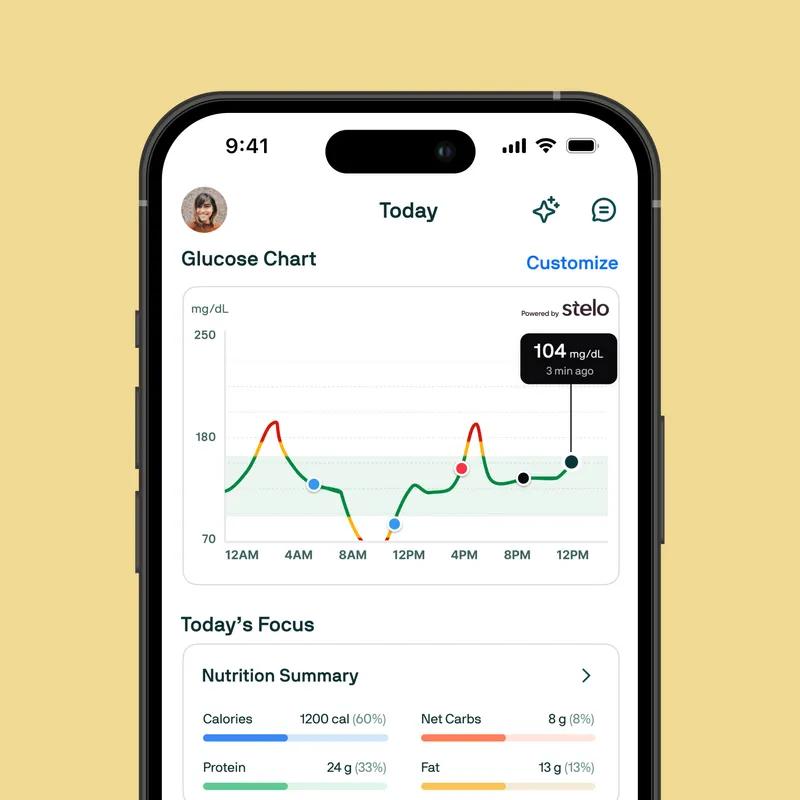 Glucose app showing a day of readings and meal summary
How to read your Nutrisense results
Three numbers carry most of the meaning, and the app explains each one. Average glucose is the mean of every reading in the range you picked, and a lower average generally means fewer big swings. Glucose variability is the size of those swings, where below 14 is the steadier end. Time within range is the share of time you stayed inside the green target zone, which the app usually sets at 70 to 140. Gather enough data and the app can also show an estimated A1C value, with a great average described as anything below 105 support.nutrisense.io.
Interpretation is where people say the coaching earns its place. One Trustpilot reviewer wrote in November 2025, "Having my nutritionist to help guide me in interpreting my data is a game changer for me! So thankful!" trustpilot.com
Take questions about what any of this means for your health to a clinician.
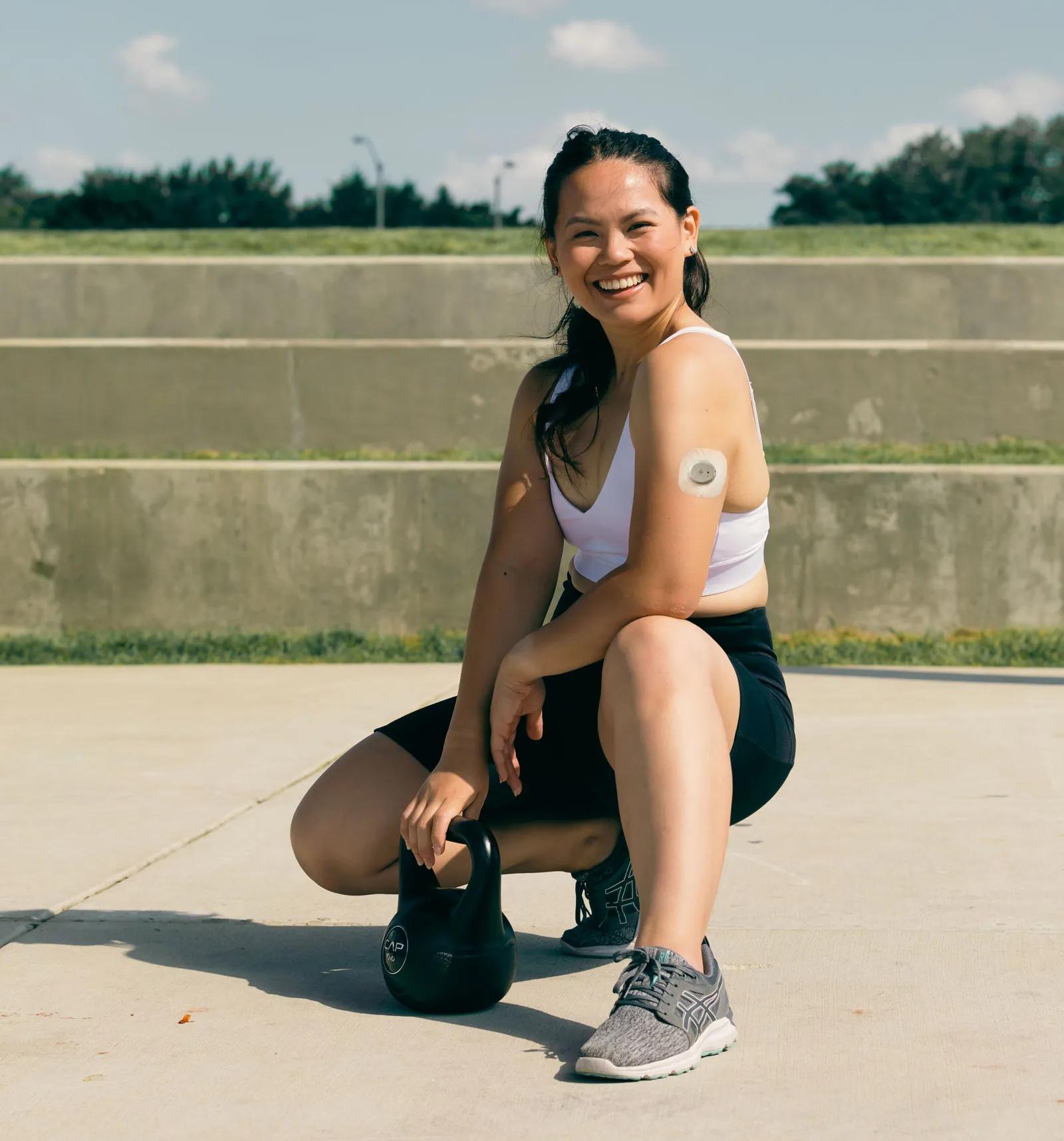 Glucose biosensor worn on the upper arm outdoors
How to export or download your Nutrisense results
Nutrisense documents one export route, and it runs through Nora AI.
The help centre line says you can export and download your reports as PDFs to share with healthcare providers or keep for your personal health records support.nutrisense.io. That leaves you with a file you own, outside the app. It is the same file you would carry into an appointment. The line describes reports, so ask support what a report includes before you count on it for one specific number. Support runs a live chat on weekdays, from 8:30am to 4:30pm CST support.nutrisense.io.
Nutrisense's help centre describes one export route: download your reports as PDFs to share with healthcare providers or keep them for your own records.
How to share your results with your doctor
The documented path is that PDF. You export the report, then hand it or send it to your provider. Nutrisense frames the export for exactly that purpose, sharing with healthcare providers or keeping a personal record. Bring the date range that matches the question you want to ask. Plans carry 1:1 coaching with Registered Dietitians or certified nutrition specialists, and self-pay sessions are listed at $50 per video session nutrisense.io. Some coaching is billed through insurance, based on eligibility.
A dietitian session and a doctor's appointment are two different conversations.
The app and its dietitians explain your glucose statistics. Diagnosis, medication and treatment decisions stay with your doctor.
What to do next: turning results into a plan
Pick one pattern and work on it. Read the same three numbers again each week. Use the same date range every time, so the comparison holds. Take one noticed pattern into the dietitian session your plan includes. Leave the whole export at home.
Steady comparison over weeks tells you more than any single afternoon.
A coach can only work with a question you have already narrowed down. Take any question about what the numbers mean for your health to your doctor.
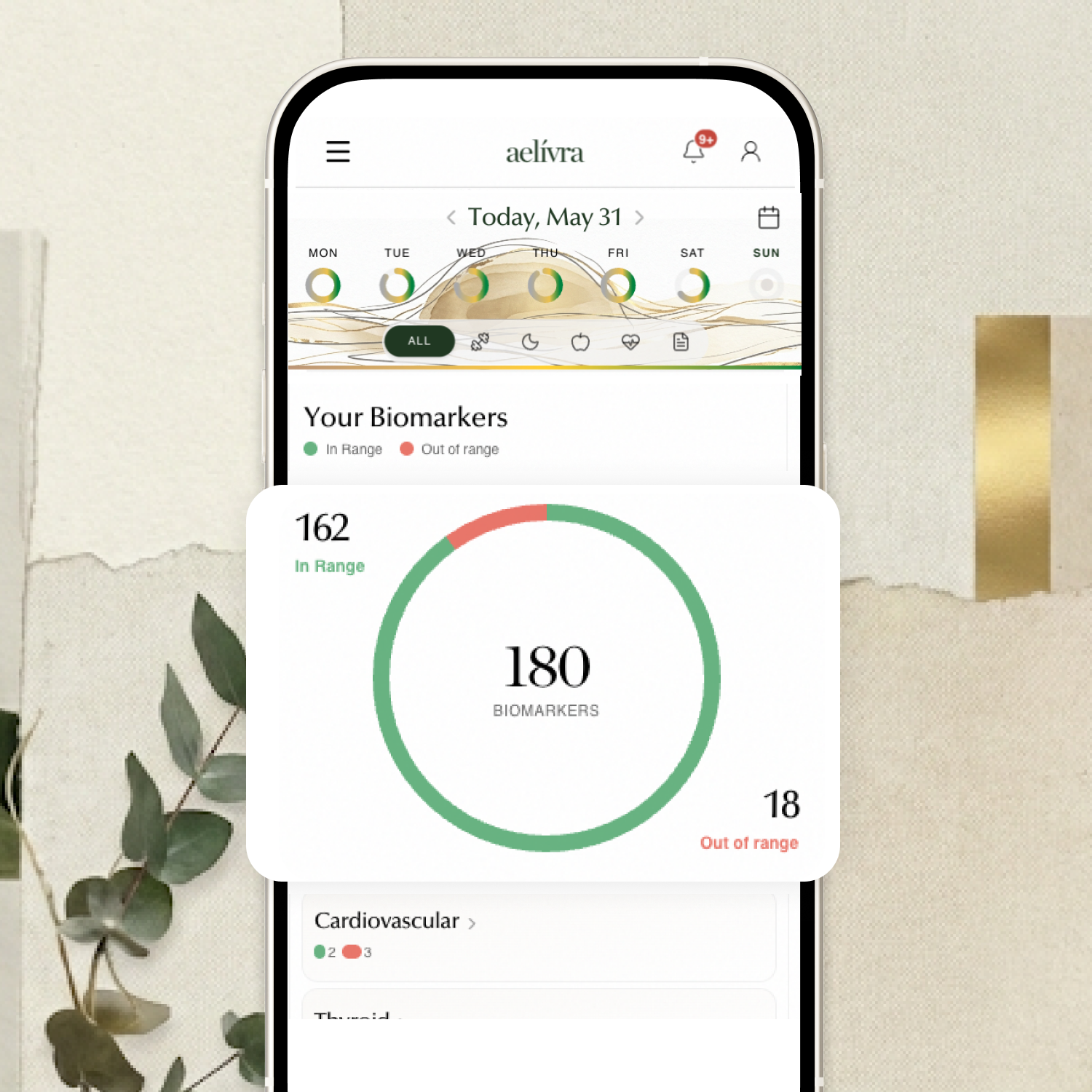
Blood work, scans, test results, medical reports — finally in one place and connected to how you actually feel. aelívra tracks biomarkers and health records over time, so you can see what's trending in the right direction and walk into your next appointment knowing exactly what to discuss.
What users struggle with after results
The hard part for some people starts after the data arrives.
App Store reviews describe a support route that is slow to answer once the coaching relationship stalls. A March 2026 App Store review says, "There is no customer service available by phone. You complete a form online and hope they follow up." apps.apple.com The same review says billing errors land in that queue too. That weighs more here than it would elsewhere, because the coaching call is the step that turns the numbers into a plan.
A January 2026 review says, "No follow up was even performed by the initial nutritionalist I was assigned to." apps.apple.com Two reviews are not the whole picture, and most of the 60 Trustpilot reviews read speak warmly about the coaches.
 Nutrisense logo on a dark green background
How we researched this guide
We have not used Nutrisense first-hand. This guide reads five sources: the two Nutrisense help-centre articles, Trustpilot, the App Store feed, and the Nutrisense site for plan and pricing facts. The help centre article on glucose analytics, captured on 14 September 2026, supplies the delivery facts. The 60 most recent Trustpilot reviews and the 50 most recent App Store reviews, both read in July 2026, supply what people say.
Nutrisense documents no results turnaround, because the readings arrive continuously.
Of the 60 Trustpilot reviews read, Nutrisense asked for 52 through a company invitation. Eight were posted unprompted. Nutrisense replied to all 60 of those reviews trustpilot.com.
The export line comes from the published description of Nutrisense's Nora AI help article, which is the only part of that article we read. No Reddit threads were read.
Frequently asked questions
How long do Nutrisense results take to arrive?
Nutrisense documents no results wait. Glucose readings appear in the app's Trends tab as they are collected, and you choose the day or the date range you want to look at.
Can you export Nutrisense results as a PDF?
Yes, Nutrisense's help centre says you can export and download your reports as PDFs to share with healthcare providers or keep for your own records.
What counts as a good average glucose in the Nutrisense app?
The app describes a great average as anything below 105, and it treats a glucose variability below 14 as the steadier end. Time within range refers to the green target zone, usually 70 to 140. These are the app's own descriptions of its own statistics. Your targets are a conversation for your doctor.
What do people complain about after they get their results?
Reviewers complain about support. The data itself draws little complaint. App Store reviews describe an online form as the only route in when a coach stops replying, which is the moment the numbers stop turning into decisions.

Cameron founded aelívra after years of living an unknown no one could answer — navigating chronic health complexity through a medical system that wasn't built for it. That experience became a conviction: everyone deserves to feel truly alive, and no one should have to accept not knowing as a way of life. His work sits at the intersection of data science and functional health and wellbeing, turning the latest trusted medical research across news, health, wearables, biomarkers, and more into advice everyday people can use on their journeys toward feeling better. Every article is grounded in peer-reviewed evidence and linked to its primary source. This content is for informational purposes only and does not replace medical advice.