Summary at a glance
Lingo shows results live in its app, and your first reading arrives about an hour after you pair a biosensor.
The export sits under You, then Profile, then Actions, and produces one CSV covering your whole glucose history.
You can generate one new file a day, and each file stays available to download for a month.
Sharing with a clinician means sending the file yourself, because Abbott documents no provider portal.
Apple Health receives five-minute values on a three-hour delay, so its average can differ from the app's.
Lingo is a wellness biosensor. Abbott states it is not intended for diagnosing disease, including diabetes, and it is not for people taking insulin. This guide restates what Abbott's own documentation says about reading, exporting and sharing glucose data, and it is not first-hand testing. It does not interpret any individual reading. Talk to your doctor about any glucose result that concerns you.
TL;DR: what to do first with your Lingo results
Open the Lingo app and look at the glucose graph, because that is where your results land. The app shows a current glucose number, an arrow for the direction it is moving, and dashed lines marking a typical healthy range. When you want the raw numbers, export a CSV from your profile and open it in a spreadsheet.
The export lives at the bottom of the profile screen support.hellolingo.com.
Two habits make the data useful. Log meals and workouts in the app while you wear the biosensor. The graph then lines up with your day. Export once before an appointment, since one file covers your whole history.
Anyone who wants their own copy of the data, or who wants to hand a clinician something to look at.
Read the Lingo graph in the app, then export the CSVAbbott's documentation describes no results report. Everything lands live in the app, and the only file you can take away is a CSV of glucose values with five-minute timestamps.
How Lingo delivers results
Lingo delivers results as a live stream. The biosensor sits on the back of your upper arm and sends glucose data to your phone over Bluetooth. Your first reading arrives about an hour after you pair the biosensor hellolingo.com. From then the sensor streams minute-by-minute glucose values to the app for as long as you wear it.
The headline figure in the app is the Lingo Count.
Abbott describes it as a number that "translates your glucose exposure into one dynamic daily number and gives you a target to stay within each day" hellolingo.com. It builds through the day from the spikes the app flags on your graph. Weekly progress reports follow, with recommendations based on the foods you logged.
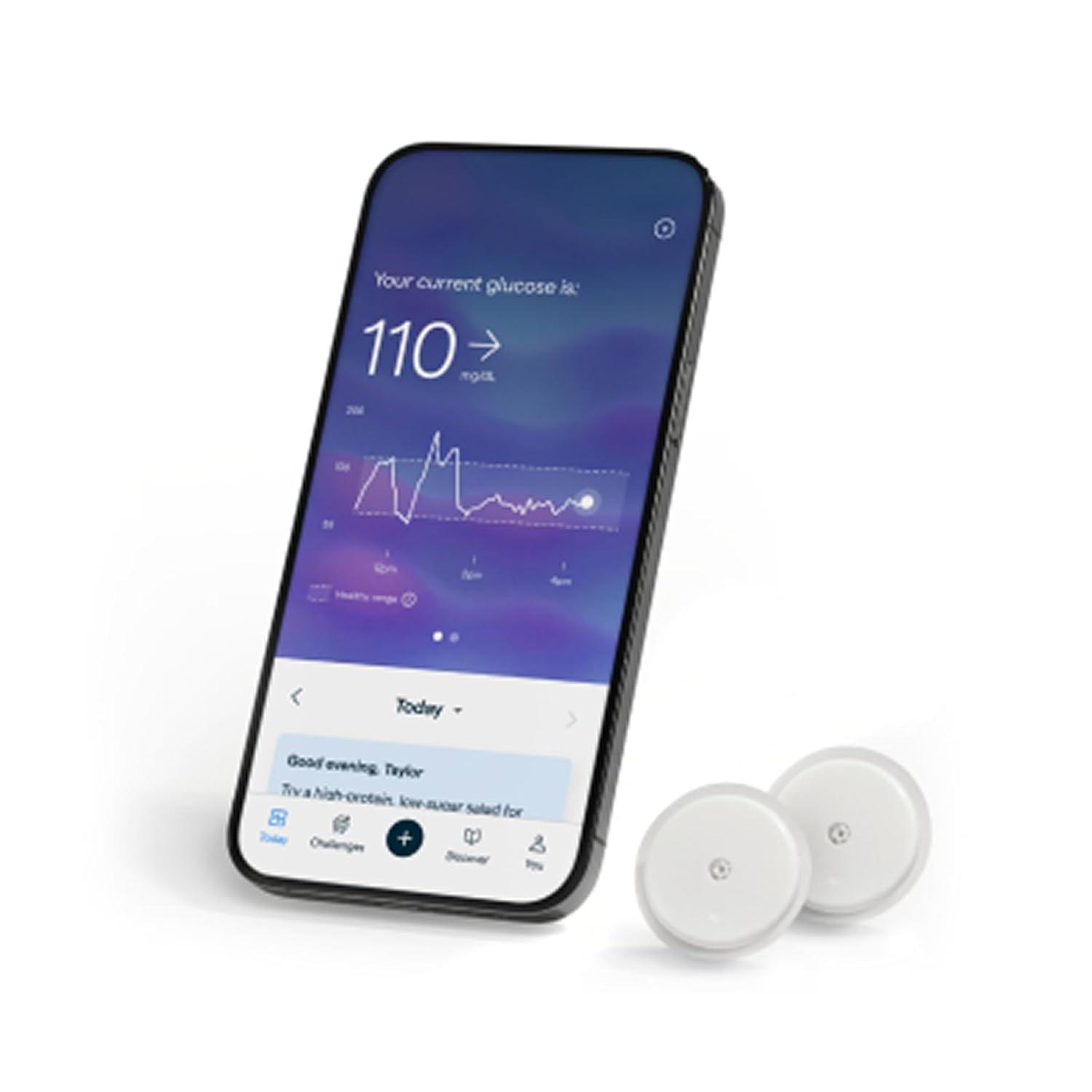 Lingo app on a phone beside two biosensors
How to read your Lingo results
The main screen carries three things. The current number is your latest reading, and the arrow tells you whether glucose is rising, steady or dropping.
The dashed lines mark what Abbott calls a typical healthy range for people without diabetes, 70 to 140 mg/dL. The second view is the Lingo graph, which plots a whole day. Purple shading marks glucose spikes the app wants you to notice, and blue marks spikes tied to exercise. Event markers show your logged meals and workouts. Time tabs switch the view between 6, 12 and 24 hours hellolingo.com.
The numbers on the purple spikes feed your daily Lingo Count.
Lingo reads between 55 and 200 mg/dL, and the exported file writes anything outside that band as out of range hellolingo.com.
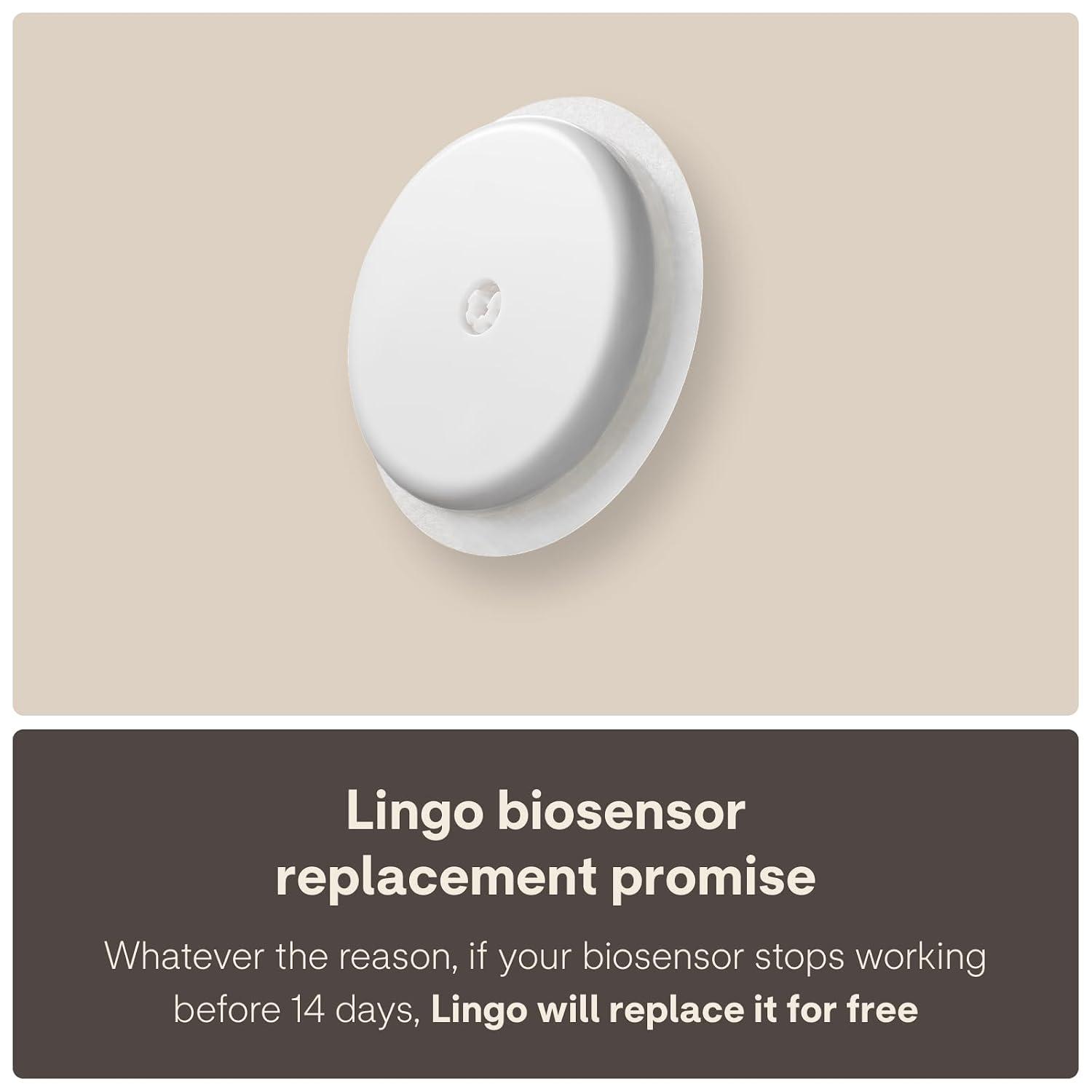 Lingo biosensor with its 14-day replacement promise
How to export or download your results
The export sits under your profile. Open the "You" tab and select "Profile". Scroll to the bottom, then tap "export your glucose data" under "Actions" and "Export data" to generate the file.
Tap "Download file" to save it to your phone support.hellolingo.com.
The file covers every glucose reading since your first biosensor. You cannot pick a date range. You can generate one new file a day, and each file stays available to download for a month hellolingo.com. Filter it in a spreadsheet when you want a narrower window.
The Lingo CSV holds timestamps and glucose values only. Food, workouts and other logged events are left out, so keep your own note of what you ate if you want to match a spike to a meal.
How to share results with your doctor
Sharing is manual. Abbott's support article says you can download your entire glucose history, save the data file, and share it with anyone you choose support.hellolingo.com. Email works, as does any channel your clinic already accepts. The file is a CSV, so any spreadsheet program opens it. Abbott directs every question about a reading to your own doctor.
The other route is Apple Health or Health Connect.
Lingo pushes glucose into Apple Health, so a clinician who already reads that data sees it there. The sync is coarser than the app: it sends five-minute values on a three-hour delay, and only readings between 55 and 200 mg/dL hellolingo.com. Your average in Apple Health can differ from the average in the Lingo app for that reason.
Generate the file the day before an appointment. One export covers your history back to your first biosensor, so you only need to do it once.
What to do next: turning results into a plan
Read the data as a pattern across weeks. One reading on its own tells you little.
Keep the event log honest while you wear a sensor. Log the meal, the walk or the stressful meeting when it happens. The graph only lines up with your day if the markers are there. Track the same breakfast across a few weeks and compare the curves. Bring the exported file and your own notes to your clinician, who can read them against your medical history.
Abbott says to consult a healthcare professional before changing your diet or exercise routine, and states that Lingo is not intended for diagnosing disease hellolingo.com.
Lingo is not intended for diagnosis, and it is not for people taking insulin. Take any reading that worries you to a clinician before you act on it yourself.
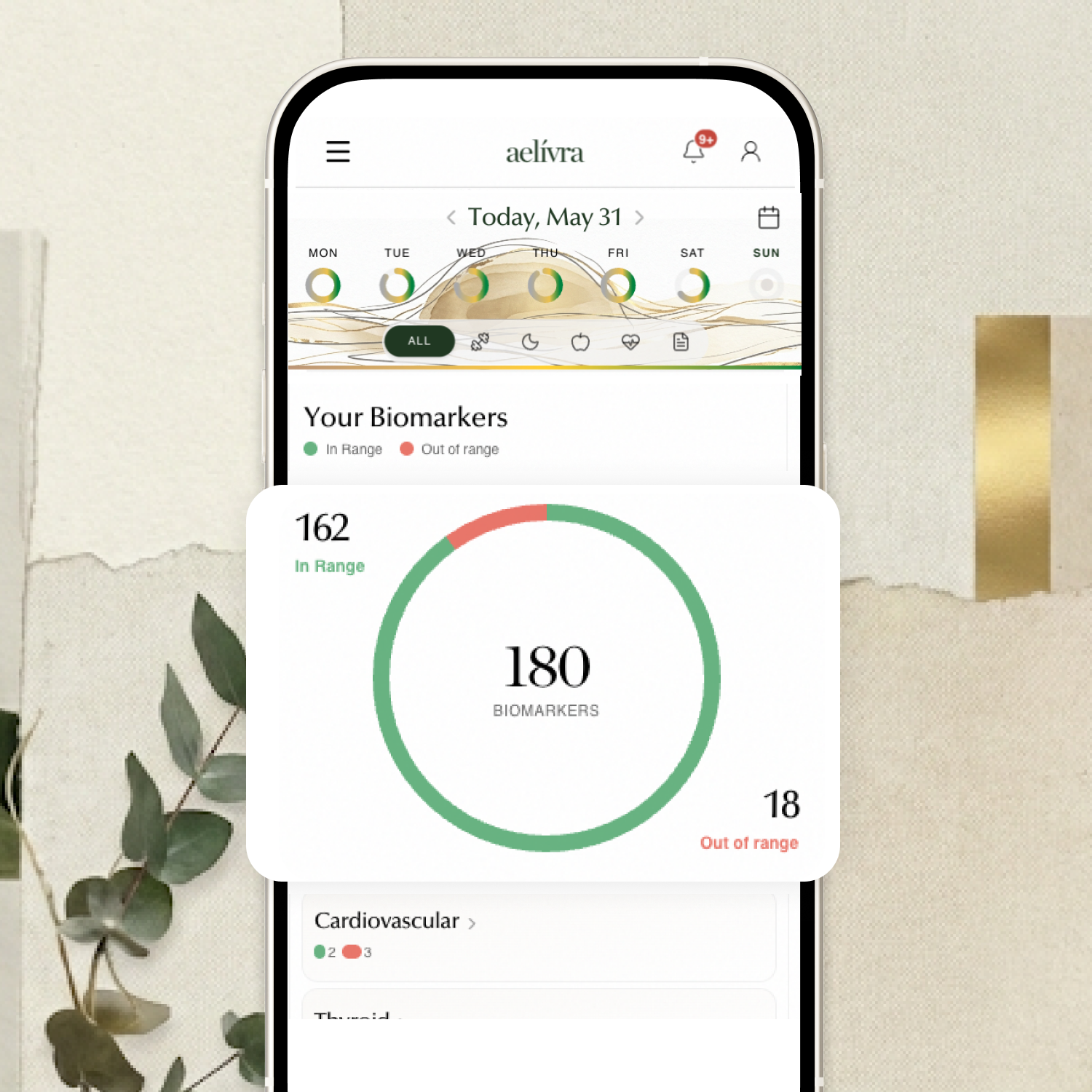
Blood work, scans, test results, medical reports — finally in one place and connected to how you actually feel. aelívra tracks biomarkers and health records over time, so you can see what's trending in the right direction and walk into your next appointment knowing exactly what to discuss.
What users struggle with after results
For some buyers the CSV is the whole product.
One Amazon reviewer, writing in July 2026, wanted only the file. "All I really need was the .csv download. I am handy with Excel," they wrote amazon.com. They worked the numbers in a spreadsheet alongside the app. The gap was context: the CSV holds glucose values and timestamps, so the meal that caused a spike is not in the file. The same reviewer added: "I couldn't find a way to enter notes in the app and have them download with the Lingo .csv file." The second sticking point is the Lingo Count.
A Google Play reviewer in July 2026 opened with "Valuable data wrapped in a mediocre app". One reason listed was "lack of info concerning how the Lingo count is calculated" play.google.com.
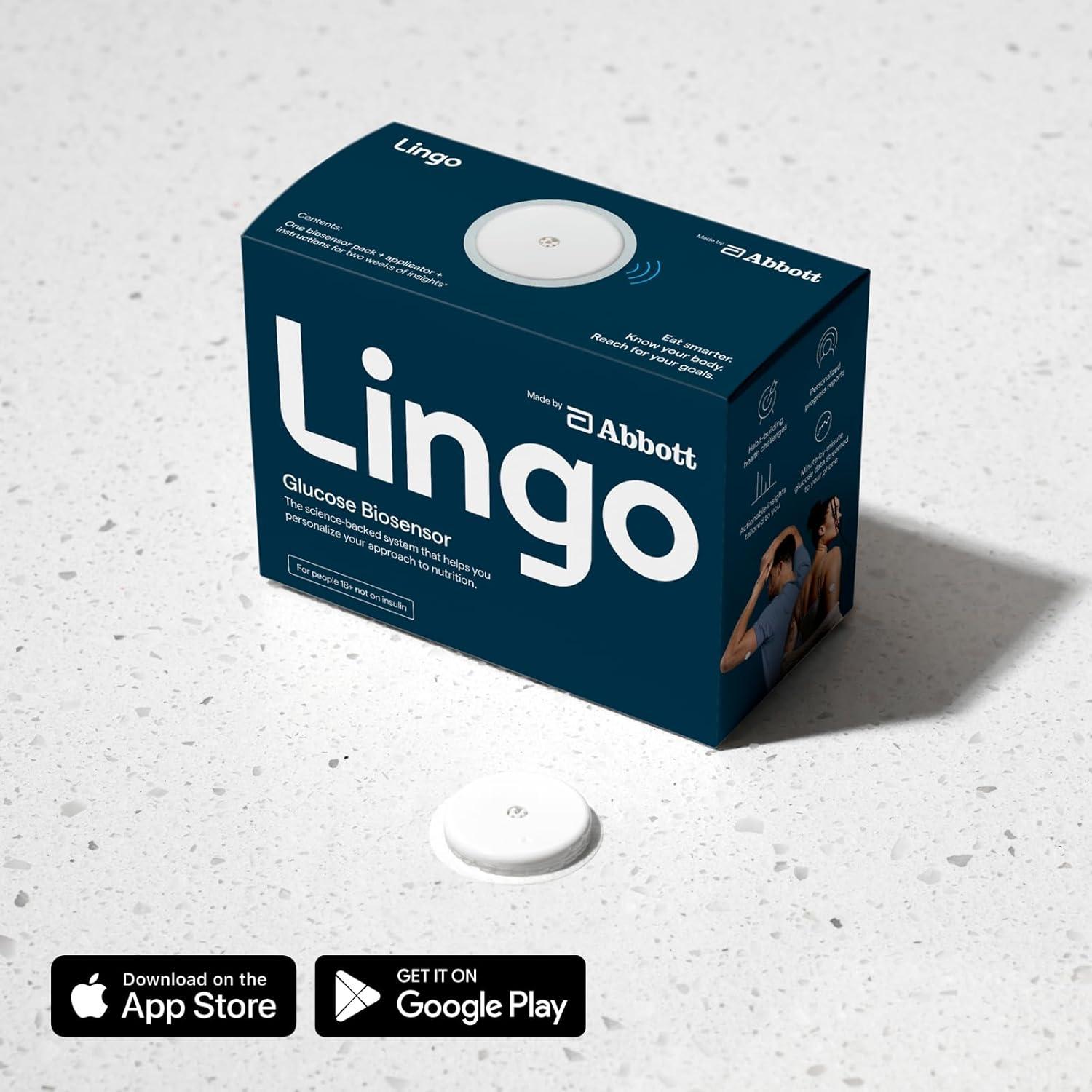 Lingo biosensor retail box with a sensor beside it
How we researched this guide
We have not worn a Lingo biosensor, and nothing here is first-hand testing.
Delivery and export facts come from two Abbott pages captured on 14 September 2026: the support article on downloading glucose data and the blog post on exporting it. Three more Abbott pages were captured on 29 July 2026: the Lingo 101 user guide, the Apple Health integration guide and the Lingo experience page. The user reactions come from two review captures made the same day: the Lingo product page on Amazon and 100 recent Google Play reviews. Four reader quotes are used, two from one Amazon review and two from one Google Play review.
We also read 12 Reddit threads captured on 29 July 2026, and no Abbott clinical studies or independent accuracy testing.
Frequently asked questions
How often does Lingo update my glucose reading?
The biosensor streams a new glucose value to the app every minute while it is paired.
Can I choose a date range when I export my Lingo data?
No. Each export contains all of your glucose data back to your first biosensor. You can generate one new file per day, and the file stays downloadable for a month. Filter the CSV in a spreadsheet if you want a narrower window.
Does the Lingo export include my food and workout logs?
No. The file holds timestamps and glucose values only, so anything you logged as food, exercise or another event stays inside the app.
Why does my Apple Health glucose average differ from the Lingo app?
Lingo sends Apple Health five-minute values on a three-hour delay, while the app shows values every minute. Apple Health also receives only readings between 55 and 200 mg/dL.
Sources

Cameron founded aelívra after years of living an unknown no one could answer — navigating chronic health complexity through a medical system that wasn't built for it. That experience became a conviction: everyone deserves to feel truly alive, and no one should have to accept not knowing as a way of life. His work sits at the intersection of data science and functional health and wellbeing, turning the latest trusted medical research across news, health, wearables, biomarkers, and more into advice everyday people can use on their journeys toward feeling better. Every article is grounded in peer-reviewed evidence and linked to its primary source. This content is for informational purposes only and does not replace medical advice.